As an Amazon Associate we earn from qualifying purchases.
As an Amazon Associate, we earn from qualifying purchases.
Short answer: UGREEN’s Mac mini 11-in-1 Docking Station with SSD Expansion, U.S. catalog SKU 65487, is the storage-and-port model to investigate if you want an NVMe bay under a Mac mini M4. Its SSD fit is listed as 2230, 2242, 2260, or 2280 NVMe, up to 8TB, over a 10Gbps link. One point needs careful checking: UGREEN’s U.S. SKU 65487 page has gallery text claiming DisplayPort, while the official regional SKU 65487 port list does not include a display output; UGREEN separately lists SKU 65488 as its Mac mini dock with a named 4K144 DisplayPort. The available page evidence leaves video output for SKU 65487 unverified; do not infer it from the mixed U.S. gallery. Confirm the SKU and port diagram with UGREEN before buying if display output matters.
This is a research-based compatibility guide, not a hands-on test. The fit and capabilities below come from UGREEN’s product information and documentation. Check the exact product variant before ordering because UGREEN sells more than one Mac mini M4 dock.
On this page: Quick fit check · SSD fit · Ports and displays · Mac mini fit · Buying decision
Quick fit check
| Your setup | Fit? | What to know |
|---|---|---|
| Mac mini M4 and an M.2 NVMe SSD | Yes, within listed size and capacity limits | 2230, 2242, 2260, and 2280; up to 8TB; SSD sold separately. |
| M.2 SATA drive | Not specified as supported | UGREEN specifies NVMe. A matching M.2 length alone is not enough. |
| Mac mini M2 or earlier | No | UGREEN says the molded base and power-button cutout are designed for M4 and do not fit M2 and earlier models. |
| Need a dock-connected monitor output | Unclear from the U.S. SKU 65487 page | Its gallery text claims DisplayPort, but official regional SKU 65487 port specifications do not list one. UGREEN has a separate U.S. SKU 65488 page explicitly naming DisplayPort. Confirm the SKU and port diagram before purchase. |
| Need many ports to charge phones | Not a good reason to buy it | UGREEN says the downstream USB ports have current limits and are not recommended for charging phones or tablets. |
Which SSD fits the UGREEN Mac mini M4 dock?
UGREEN specifies an M.2 NVMe SSD, in 2230, 2242, 2260, or 2280 lengths, with capacity up to 8TB. The SSD is not included. UGREEN’s 11-in-1 product details identify the interface as NVMe and the enclosure link as 10Gbps. “M.2” describes a physical module format, while NVMe describes the storage protocol. A drive can be M.2-shaped and still use SATA, so check the drive’s product listing for NVMe or PCIe NVMe before buying. The dock’s stated 10Gbps connection is the enclosure link; it is not a promise that every SSD will sustain 10Gbps in real transfers.
The available UGREEN product information does not promise compatibility with every heatsink, double-sided module, or unusually tall drive. A low-profile bare M.2 module is the conservative choice unless the manual for your exact dock revision confirms clearance. The 8TB figure is the maximum capacity UGREEN advertises, not a preinstalled storage amount or a claim about a drive bundled with the dock.
Before installing an SSD, identify the dock’s exact version and read its included instructions. Do not force a module that does not line up with the mounting post or cover. After installation, macOS may require you to initialize and format a new drive in Disk Utility before it appears in Finder; formatting erases the selected disk, so verify the target first.
Ports, power, and monitor connections
The 11-in-1 dock is designed around storage and peripheral expansion. UGREEN lists USB-A and USB-C data ports, front SD and microSD readers, and an external 5V USB-C power input. The manufacturer lists the faster data ports at up to 10Gbps and the card readers at up to 104MB/s. Actual transfer rates depend on the connected drive, card, cable, host port, file sizes, and other devices sharing the connection.
The regional UGREEN product page for SKU 65487 enumerates its USB-A and USB-C data ports, card readers, SSD enclosure, and USB-C power input, but does not list a video output. By contrast, the U.S. page for that same SKU includes gallery alt text claiming DisplayPort up to 4K240. The U.S. catalog also has a distinct SKU 65488 page named “Mac mini M4 Dock with 4K144Hz Display Port and SSD Enclosure.” This makes the family distinction useful, but it does not by itself prove whether the SKU 65487 page’s gallery claim is mistaken or reflects a port on that SKU. If a dock-connected display is essential, confirm the label/SKU and rear-port diagram for the exact unit with UGREEN; do not assume that an image or a sibling product’s features settle it. Apple separately says the 2024 Mac mini with M4 supports up to three external displays depending on resolution and refresh-rate mix; check Apple’s exact display combinations for the computer’s own ports.
The dock can draw power from the Mac mini or use an external adapter, according to UGREEN. Its product information recommends external power for more demanding peripheral setups. That can help when the dock is carrying an SSD and several bus-powered accessories, though an adapter is not included in the advertised package information for all regions. Confirm package contents for the U.S. listing you are buying.
UGREEN also warns that this dock’s downstream USB ports have current-limiting protection and are not recommended for charging phones or tablets. Use a dedicated charger for power-hungry devices rather than treating every USB port as a charging port.
Mac mini M4 fit and what it does not fit
The dock is shaped as a base for the Mac mini M4, with an access feature for the computer’s bottom power button and anti-slip pads. UGREEN’s U.S. product page says the fit is for Mac mini M4 and excludes M2 and earlier models because of differences in the chassis and port alignment. Other regional UGREEN pages also describe compatibility with M4 Pro, but because regional listings can differ, confirm the exact U.S. item page and revision if you own an M4 Pro.
This is a physical-fit accessory, so generic compatibility language for USB-C devices is not enough. The Mac mini sits on the dock and the short built-in cable connects to the computer; it is not a universal laptop stand. If you own a different Mac mini generation, choose an accessory explicitly designed for that chassis.
Who should choose it?
Choose the UGREEN 11-in-1 dock if you want a tidy base for a Mac mini M4, plan to add a supported NVMe drive, and need easier access to USB ports or SD cards. It is especially relevant if your files live on a separate fast SSD and you want that drive housed beneath the computer.
Skip or pause before ordering if your decision depends on a dock video output: the U.S. page’s SKU 65487 gallery conflicts with its regional specification list, and the separate 65488 is explicitly marketed with DisplayPort. Ask UGREEN to confirm the exact port layout of the unit being sold. The other clear reasons to skip are needing phone/tablet charging from its downstream ports, using a SATA M.2 drive, or fitting an older Mac mini.
There is no independently verified performance test in this guide. UGREEN’s 10Gbps and 104MB/s figures are manufacturer ratings, and the 8TB number is its stated capacity ceiling. They should be read as product specifications, not measured results from our lab.
Before ordering checklist
- Match the U.S. product title and SKU: 65487 is titled 11-in-1 Docking Station with SSD Expansion; 65488 is separately titled Mac mini M4 Dock with 4K144Hz Display Port and SSD Enclosure. If display output matters, confirm the exact unit’s port diagram because the 65487 U.S. gallery text conflicts with its regional port list.
- Check that your drive is M.2 NVMe, not merely an M.2 SATA module, and that its length is one of the four listed sizes.
- Budget for the SSD separately; the dock’s 8TB figure describes supported capacity, not included storage.
- If you connect several accessories or the SSD is power hungry, review the current U.S. bundle contents and consider the external power option UGREEN describes.
- Do not assume 65487 includes or excludes video based on the mixed listing assets; get confirmation for that exact SKU if the dock must carry a monitor signal.
Is an M.2 SATA SSD compatible?
UGREEN specifies M.2 NVMe drives for this enclosure. Since M.2 is a size/form factor and SATA is a different transfer protocol, a drive matching 2280 dimensions alone does not establish compatibility. Choose a drive explicitly identified as NVMe, and do not rely on “M.2” by itself in a retailer title.
Does the 11-in-1 dock add HDMI or DisplayPort?
UGREEN’s regional 65487 specification list does not enumerate HDMI or DisplayPort, but the U.S. page’s gallery alt text claims DisplayPort up to 4K240. A separate U.S. product page identifies SKU 65488 as the Mac mini dock with 4K144 DisplayPort. Because the exact 65487 listing is inconsistent, check its specific unit/port diagram with UGREEN instead of assuming either capability.
Can I charge my phone from the dock?
UGREEN says its downstream ports have current limits and are not recommended for charging phones or tablets. Use a separate charger for those devices, especially if they need fast charging.
For more on how we handle product research, see our editorial policy. If you need help checking a product detail, use our contact page.
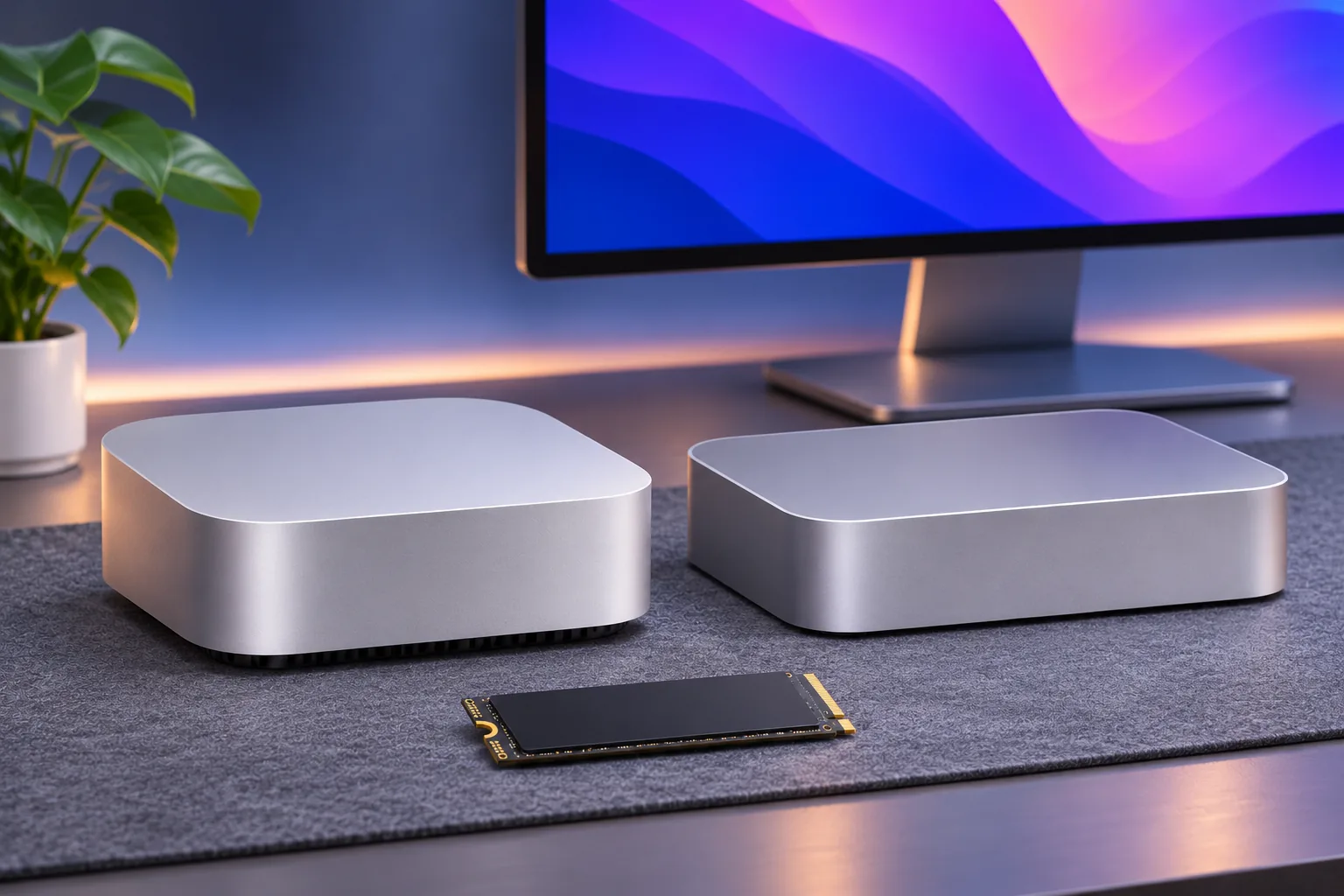
Header image: AI-generated editorial illustration, not a product photograph or test setup.