As an Amazon Associate we earn from qualifying purchases.
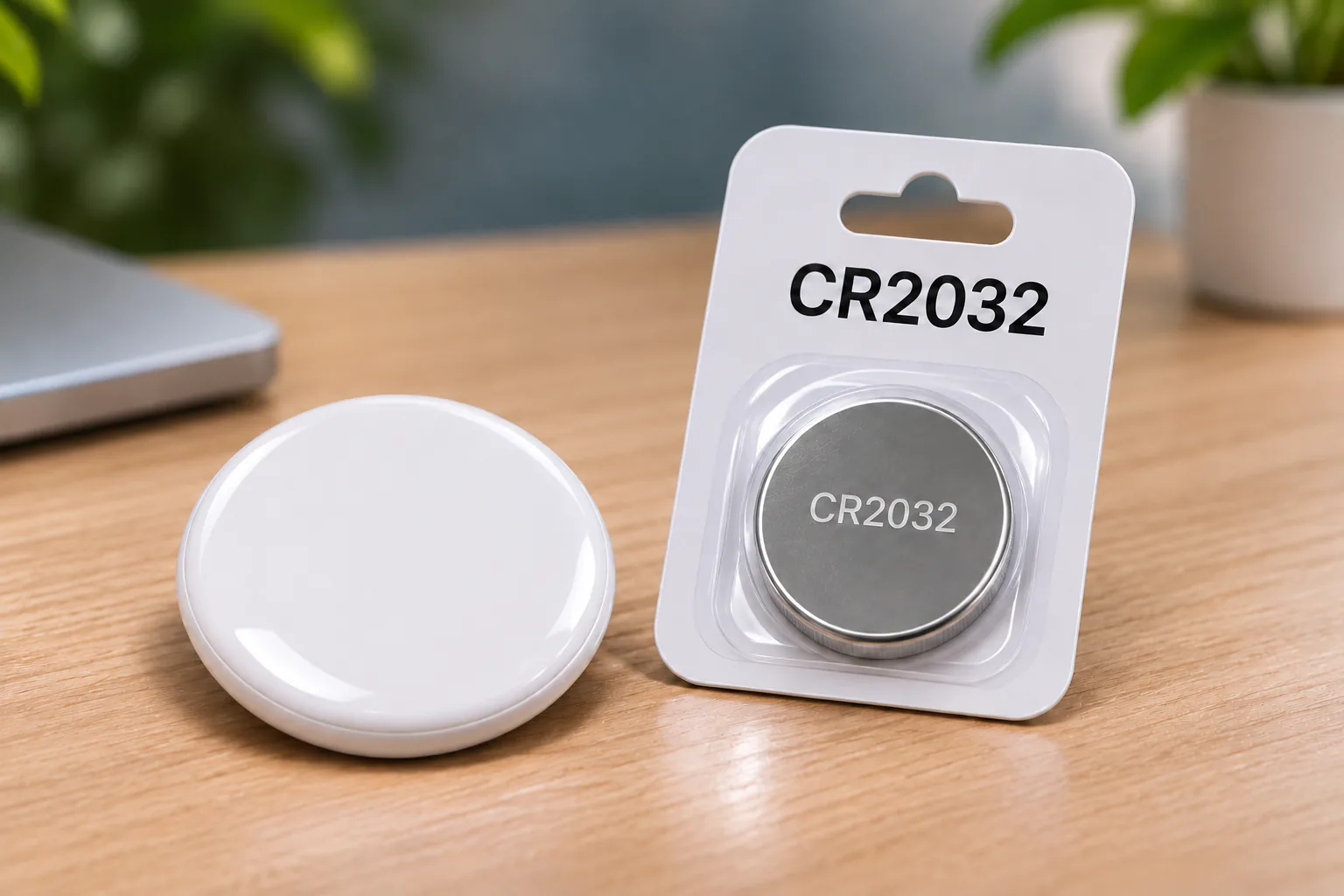
If your AirTag needs a battery, Apple specifies a CR2032 lithium 3V coin cell. Its technical specifications list a user-replaceable CR2032 for both the original AirTag, introduced in 2021, and AirTag (2nd generation), introduced in 2026. Apple’s replacement instructions say to install the cell with the positive side facing up, listen for a connection sound, then align the cover’s three tabs with its slots and turn it clockwise until it stops. (Apple’s first-generation specifications and second-generation specifications, S01–S02; replacement instructions, S03.)
Quick answer: Use a CR2032 lithium 3V cell. Apple lists a user-replaceable CR2032 for the 2021 AirTag and 2026 AirTag (2nd generation). Install it positive-side up, wait for the connection sound, and close the cover by aligning its three tabs with the slots. Some bitterant-coated cells may not work; check Apple’s package wording. Keep all coin cells away from children.
Contents
- Which CR2032 fits an AirTag?
- Before opening the AirTag
- How to replace the battery
- Check the battery warning in Find My
- Keep coin cells away from children
- Frequently asked questions
Which CR2032 fits an AirTag?
Use a CR2032 lithium coin cell rated at 3 volts. Apple lists that cell type as user-replaceable in both AirTag generations covered by its current specifications. The model year changes which specification page you should consult, but the battery type listed on both pages is the same.
Apple advises selecting a bitterant-coated CR2032 to help discourage accidental ingestion and says to look for packaging that states “Compatible with Apple AirTag.” It also warns that some bitterant coatings may not work with AirTag or other battery-powered products. Treat that as a real compatibility caveat: CR2032 printed on a package tells you the cell type, but it does not guarantee every coated cell will make a working connection in your tag. (S03.)
| Check | What Apple documents | What not to assume |
|---|---|---|
| Cell type | CR2032 lithium, 3V | A CR2025, rechargeable cell, or watch battery is an equivalent substitute |
| Orientation | Positive side faces up | The printed side can face down |
| Coating | Apple recommends bitterant coating and names package wording | Every coated CR2032 will work |
| AirTag generation | 1st generation (2021) and 2nd generation (2026) list user-replaceable CR2032 cells | Battery instructions differ by generation when Apple does not say they do |
Before opening the AirTag
Work on a clear surface and keep the new cell, removed cell, and metal cover out of reach of children. A coin cell is small enough to swallow and can cause severe injury. Avoid opening the battery package until you are ready to install it, and keep the cell away from loose metal items that could contact its faces.
Check the package for CR2032, lithium 3V, and, if the cell has a bitterant coating, Apple’s stated “Compatible with Apple AirTag” wording. Apple does not publish a universal brand-by-brand compatibility list. If you use a coated cell and the tag does not make the connection sound, do not scrape off the coating or add foil, tape, or a shim; those are not Apple’s instructions.
How to replace the battery
Apple’s replacement page gives this sequence:
- Hold the AirTag with the polished stainless-steel battery cover facing you. Press down on the cover and rotate it counterclockwise until it stops.
- Lift off the cover and remove the old battery. Keep the cell and cover away from children while the tag is open.
- Place the replacement CR2032 into the AirTag with the positive side facing up. Apple says the tag should make a sound to indicate that the battery is connected.
- Put the cover back so its three tabs line up with the three slots on the AirTag.
- Press the cover down and rotate it clockwise until it stops.
The connection sound is Apple’s documented cue during installation. If you do not hear it, reopen the tag and check that the cell is the specified type, faces positive-side up, and is seated flat. If you chose a bitterant-coated battery, check the compatibility wording and consider a different CR2032 that follows Apple’s stated advice. Do not force the cover or improvise a spacer. If the cell and orientation are correct but it still will not connect, stop and contact Apple Support rather than bending contacts.
These are the same replacement steps described on Apple’s current support page; Apple’s page does not identify a different procedure for the first and second generations. The generation-specific specification pages establish that both use a replaceable CR2032, while the general replacement page supplies the shared procedure. (S01–S03.)
Check the battery warning in Find My
Open Find My, select Items, and tap the AirTag. Apple documents Low Battery as the warning shown there when the AirTag’s charge is low. This is useful for checking whether the low-battery warning is still present, but Apple does not promise a particular refresh delay or describe the screen as a precise battery-percentage meter. If the warning remains after you replace the cell, recheck the cell type and orientation and confirm it made the connection sound; do not assume a fixed wait time or try an undocumented reset. (S03.)
Keep coin cells away from children
Put the old battery somewhere children cannot reach as soon as you remove it. The U.S. Consumer Product Safety Commission (CPSC) advises securing a used button or coin cell with non-conductive tape over its terminals or around the cell and taking it to a battery collection point. Do not leave it loose in a drawer, trash can, or recycling bin where a child could find it.
If you think a child has swallowed a coin cell, seek medical attention immediately. CPSC also lists the Poison Help line at 1-800-222-1222 and the National Battery Ingestion Hotline at 1-800-498-8666. Keep the AirTag’s cover and any spare cells secured too; the small parts are a choking and ingestion hazard. (CPSC Button Cell and Coin Batteries, S04.)
Frequently asked questions
Does every CR2032 battery work in an AirTag?
Apple specifies a CR2032 lithium 3V cell, but it does not guarantee every brand or bitterant coating. For a coated cell, Apple recommends packaging marked “Compatible with Apple AirTag” and warns some coatings may not work. Confirm the type and orientation first if the connection sound does not occur. (S03.)
Which side of the CR2032 faces up?
The positive side faces up when you put the battery into the AirTag. Apple says the tag should make a sound when the cell connects. Align the cover’s three tabs and slots before turning the cover clockwise to its stop. (S03.)
Does this battery advice apply to both AirTag generations?
Apple’s specification pages for AirTag (1st generation), introduced in 2021, and AirTag (2nd generation), introduced in 2026, both list a user-replaceable CR2032. The replacement support page gives one procedure and does not describe generation-specific steps. (S01–S03.)
How do I know if the AirTag battery is still low?
In Find My, open Items and select the AirTag. Apple says Low Battery appears when the cell is low. The support page does not promise a precise update interval, so use the warning as Apple describes it rather than expecting a percentage reading or immediate refresh. (S03.)
The practical fit check
For either AirTag generation covered here, start with the exact CR2032 lithium 3V type, install it positive-side up, and close the cover only after aligning all three tabs. Apple’s coating advice is qualified: look for its stated package wording, but remember that some coated cells may not work. Keep the removed cell and spare batteries inaccessible to children, secure the used cell for proper collection, and seek immediate medical attention if ingestion is suspected.
Sources
- S01 — AirTag - Tech Specs, Apple Support.
- S02 — AirTag (2nd generation) - Tech Specs, Apple Support.
- S03 — How to replace the battery in your AirTag, Apple Support.
- S04 — Button Cell and Coin Batteries, U.S. Consumer Product Safety Commission.
Header image: AI-generated editorial illustration, not a product photograph or test setup.