
As an Amazon Associate we earn from qualifying purchases.
Auracast is Bluetooth LE Audio broadcast: one compatible source can send audio for multiple compatible listeners to join. It is a one-to-many broadcast, not the same feature as multipoint, where one headset manages connections to more than one source device. To use Auracast, confirm that the source, any assistant used to find the broadcast, and the receiving headphones or earbuds support the relevant LE Audio roles. A Bluetooth version number by itself is not enough.
On this page
How an Auracast broadcast works
In a conventional Bluetooth audio connection, a source sends audio to a connected listener. Auracast changes the topology: a broadcaster sends a stream that multiple compatible receivers can discover and join. The Bluetooth SIG describes Auracast as part of LE Audio and explains the roles in its Auracast how-it-works guide.
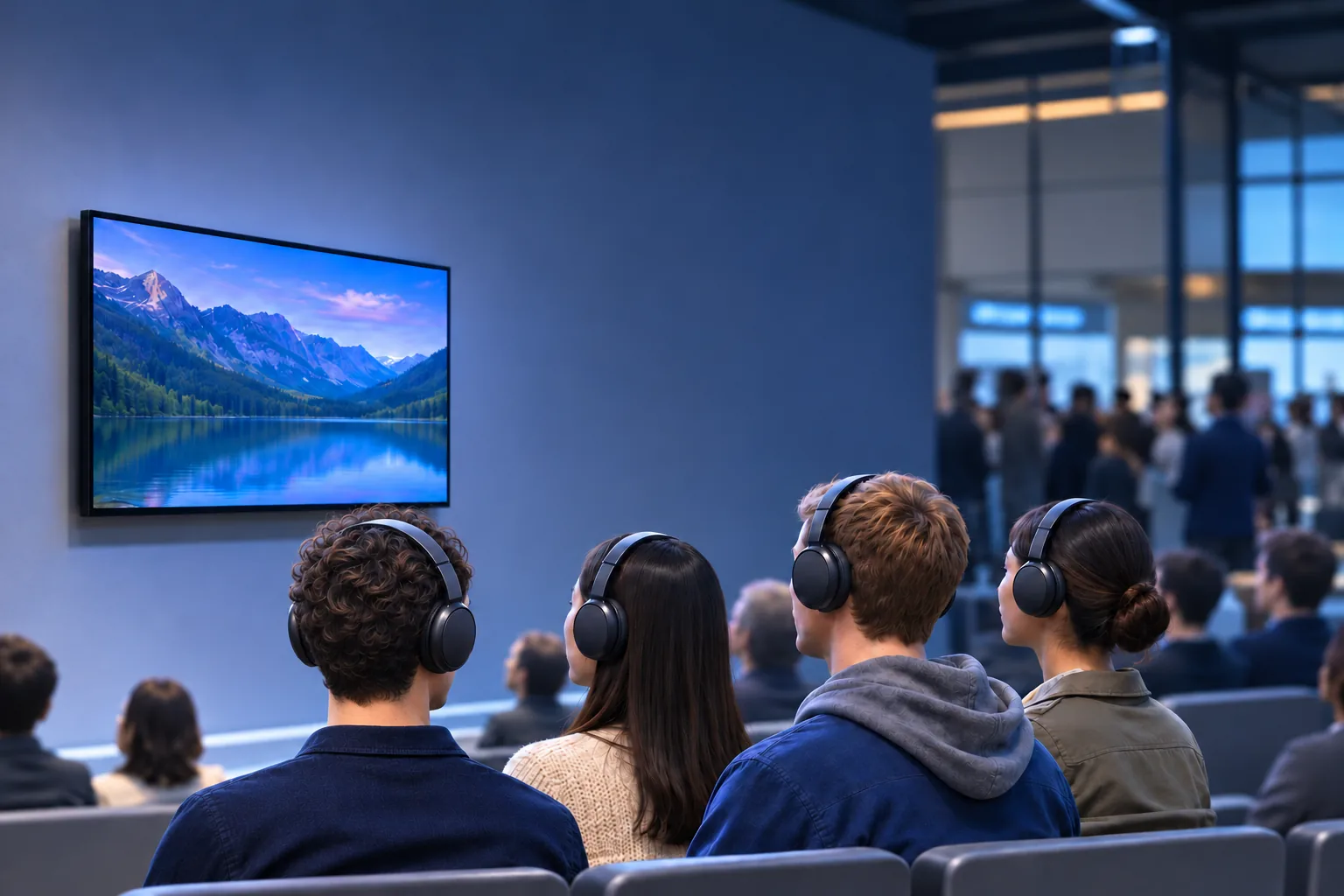
Think of a venue transmitter broadcasting a public announcement. Several listeners with compatible earbuds or hearing devices may tune in to the same stream, rather than the source maintaining a separate one-to-one audio session with each person. In a home example, a compatible TV or phone could broadcast a program to multiple receivers. These examples describe the broadcast model; whether any specific product can act as broadcaster or receiver depends on its implementation.
A broadcast can be open for listeners to join, or access can be controlled with a passkey. The SIG's Auracast FAQ describes the public broadcast profile and discovery approach. Range and venue conditions still matter: a receiver must be in range of the broadcast, and practical coverage depends on the equipment and environment.
What devices need to support
Do not decide based on “Bluetooth 5.2” or a later version printed in a specification. Bluetooth SIG says Auracast support requires the relevant Bluetooth Core features introduced with Bluetooth Core 5.2 and support for the LE Audio Public Broadcast Profile (PBP). A version number alone does not confirm those capabilities, and manufacturers may choose which optional features to implement.
Check each role separately:
- Broadcaster: the phone, TV, tablet, or venue transmitter must be able to send an Auracast broadcast.
- Assistant: a phone or app may be used to scan for broadcasts, select one, and pass joining details to a receiver.
- Receiver: the headphones, earbuds, speaker, or hearing device must support receiving the relevant LE Audio broadcast.
Some devices combine these roles, while others rely on a separate assistant. A product can support LE Audio for one function without offering every Auracast role. Check the exact product model, software version, and manufacturer's current feature list rather than assuming all LE Audio devices work the same way.
Google documents LE Audio sharing on Android and has published a device-specific Android Auracast overview. Samsung also documents broadcasting audio from compatible Galaxy phones. These are examples of vendor implementations, not a promise that every Android phone or Galaxy model can broadcast. Vendor model lists and menus change with software updates.
How listeners find and join a broadcast
The joining path depends on the broadcaster and receiver. A listener may scan for a nearby broadcast using a phone or other assistant, choose the desired stream, and share its joining information with compatible headphones. Some systems expose broadcast discovery directly on the receiving device. A private broadcast may ask for a passkey; an open one may not. Follow the instructions for the exact devices rather than expecting one universal pairing screen.
A useful example is a public display at a venue that advertises an audio broadcast. First confirm that your earbuds support Auracast reception. Then use the venue's instructions or the compatible assistant to locate the stream. If the broadcast is private, obtain its passkey from the venue. If the stream does not appear, check that the broadcaster is active, the receiver is compatible and nearby, and the selected phone/app supports the assistant function.
This process is different from ordinary Bluetooth pairing because the receiver joins a broadcast rather than simply pairing to a single source as a private audio connection. The exact discovery and access controls remain implementation-specific.
How Auracast differs from multipoint
The direction of the connection helps distinguish the terms:
| Feature | Typical relationship | Example question it answers |
|---|---|---|
| Auracast broadcast | One broadcaster to multiple listening receivers | “Can several people listen to this source?” |
| Headphone multipoint | One headset connected to multiple source devices | “Can my headset switch between my laptop and phone?” |
| Device-specific dual-audio feature | A vendor-defined way to share audio with another accessory | “Can this phone send to two paired devices?” |
These are different connection patterns and are not interchangeable labels. Our Soundcore P30i guide briefly discusses multipoint as a headset feature; it does not establish Auracast support. Likewise, a phone that can share audio with two paired accessories through a vendor feature is not automatically an Auracast broadcaster.
Examples and troubleshooting
Before buying headphones for a broadcast use case, match the receiver model to the maker's Auracast or LE Audio support statement. If you also need the phone to transmit, check the phone's broadcaster role separately. A product page that merely says Bluetooth 5.3 or LE Audio is insufficient proof of both roles.
If a broadcast is missing from the list, use this short check:
- Confirm the source is actually broadcasting, not merely paired to another headset.
- Confirm your phone/app supports broadcast assistance if the setup requires it.
- Confirm the headphones support Auracast reception, not just Bluetooth audio generally.
- Check whether a passkey is required and whether you are within range.
- Recheck the model and software instructions; vendor controls and supported-device lists can change.
These checks locate the likely compatibility gap; they do not guarantee the broadcast will work in every venue or RF environment. For a detailed device example, see Samsung's model and software notes in its Galaxy broadcast instructions.
Common questions
Can Bluetooth 5.2 headphones use Auracast?
Not automatically. The Bluetooth SIG requires the relevant Core features and the LE Audio Public Broadcast Profile. Verify Auracast reception for the exact headphone model.
Is Auracast the same as multipoint?
No. Auracast lets multiple receivers join a broadcast from one source. Multipoint usually describes a headset connected to multiple source devices.
Do all listeners need a phone to join?
Not always. Some receivers can discover a broadcast themselves; other setups use a phone or app as an assistant. Check the source and receiver instructions.
Can a broadcast be private?
It can be access-controlled with a passkey, while other broadcasts are open. Availability and setup depend on the broadcaster's implementation.
Bottom line
Auracast is a one-to-many LE Audio broadcast system. Before relying on it, verify the broadcaster, any assistant, and the listening devices by exact model and role. Neither a Bluetooth version label nor multipoint support proves Auracast compatibility.
Header image: AI-generated editorial illustration, not a product photograph or test setup.