
As an Amazon Associate we earn from qualifying purchases.
The safe way to clean wireless earbuds depends on the exact model and the part you are cleaning. Start with a dry, soft cloth for the outside, keep liquid away from openings and charging contacts, and do not treat an ear tip, speaker mesh, microphone, and charging case as interchangeable surfaces. Some manufacturers publish a narrow wet-cleaning method for named mesh areas; that does not make wet cleaning safe for every earbud.
Quick answer: Remove the earbuds from the charging case and identify the model before cleaning. Follow its own instructions for removable tips and mesh. For example, Apple allows water-rinsing the removable silicone tips on AirPods Pro, but its micellar-water mesh method is limited to the areas shown for specified models. Google says not to use liquid inside a Pixel Buds charging case. Dry everything completely before charging.
Contents
- Before you clean: identify the model and part
- Clean removable ear tips
- Clean the mesh only by a model-specific method
- Wipe the earbuds, contacts, and case
- Dry, inspect, and know when to stop
- Frequently asked questions
Before you clean: identify the model and part
- Find the exact model name. Check the Bluetooth device list, the app, or the model information printed on the case or product packaging. Open that brand’s current cleaning instructions; similar-looking earbuds can have different meshes, coatings, tips, and case restrictions.
- Disconnect power. Remove both earbuds from the case and do not clean either product while it is charging. Google explicitly warns against cleaning Pixel Buds or their case while charging.
- Separate the surfaces. A removable silicone tip can have its own cleaning method. The fixed mesh, microphone openings, earbud shell, charging contacts, and case interior need separate directions.
- Start dry. Unless the exact instructions call for a particular liquid on a named area, use a clean, soft, lint-free cloth on the exterior and a dry, soft brush only where the manufacturer permits. Do not push dirt into a mesh or port.
Do not use a water-resistance rating as permission to rinse an earbud or case. Google says not to submerge Pixel Buds or hold them under running water; Apple likewise says not to place AirPods under running water. Resistance ratings also do not identify which mesh or case surfaces a cleaning procedure covers. (S01, S03.)
Clean removable ear tips
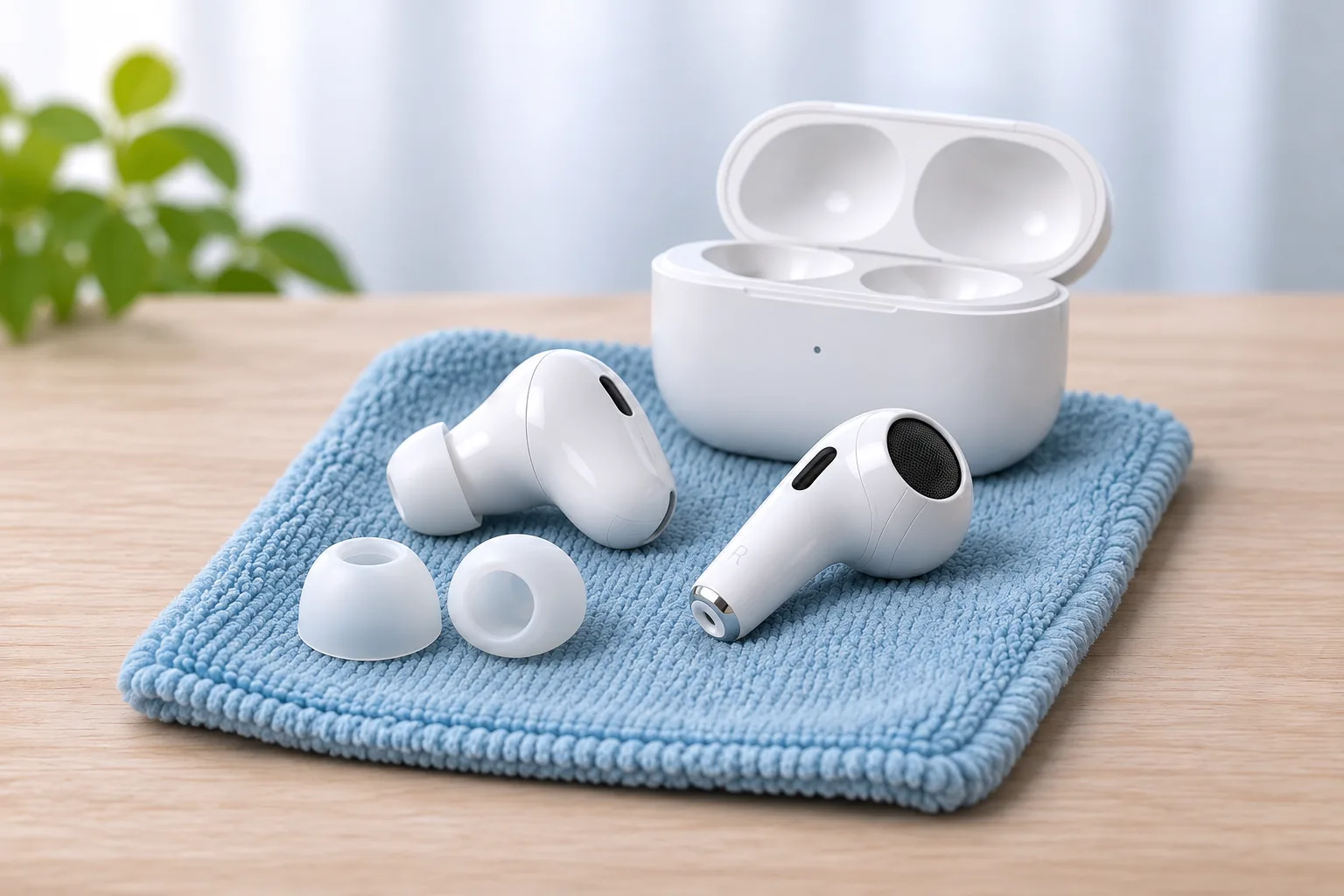
For AirPods Pro, Apple’s instructions say to pull off the removable tips, rinse the tips with water, avoid soap and household cleaners, wipe them with a soft, dry, lint-free cloth, and let them dry fully before reattaching. The tips are oval, so align them before clicking them back onto the earbuds. This is a procedure for the named AirPods Pro tips, not permission to wash all silicone tips. (S02.)
For a different model, use the exact manufacturer’s directions before removing or rinsing its tips. The reviewed sources do not establish one cleaning rule for foam tips or every silicone tip. If your manual does not say the tip is removable and washable, do not pull it off or soak it. Avoid stretching or turning a tip inside out unless the model instructions tell you to do that.
Clean the mesh only by a model-specific method
Mesh is easy to damage or pack with debris if you press a swab, pin, or brush into it. Apple’s current AirPods and AirPods Pro cleaning pages show the specific mesh areas eligible for its procedure. The method uses micellar water containing PEG-6 Caprylic/Capric Glycerides, a soft-bristled children’s toothbrush, and distilled water for rinsing; Apple says to keep the earbuds’ mesh facing up during brushing and allow at least two hours to dry before use or charging. Clean only the areas shown for the exact AirPods generation. Do not wet a nearby opening just because it is also dark mesh. (S01, S02.)
Google’s process is also model-specific: its microphone-mesh steps apply to Pixel Buds Pro 2, while Pixel Buds 2a have a separate putty method. Those procedures should not be transferred to another Pixel model or a different brand. Google also says not to use chemical detergents, powders, alcohol, or other chemical agents on Pixel Buds or their charging case. If your model is not explicitly covered by a mesh method, keep to its dry cleaning directions and contact support if debris is packed into an opening. (S03.)
Avoid these mesh and opening mistakes
- Do not use a needle, pin, toothpick, or other sharp object.
- Do not force debris deeper into an opening with a swab.
- Do not drip cleaner, alcohol, or water directly into a mesh, microphone, or charging port.
- Do not repeat another brand’s wet mesh treatment on your earbuds.
Apple explicitly cautions against sharp objects and abrasive materials; its mesh method is restricted to pictured areas. The other points above are practical boundaries against probing or adding liquid where the reviewed manufacturers do not instruct it. (S01, S02.)
Wipe the earbuds, contacts, and case
For the outside of Apple AirPods, Apple says a cloth slightly dampened with fresh water can be used for specified contaminant exposure, followed by a soft, dry, lint-free cloth. It says to leave them to dry for at least two hours before returning them to the case or using them, and not to run them under water. Apple’s Pro instructions give similar body guidance. For the charging case, Apple calls for a soft, dry cloth; if needed, it permits a slightly isopropyl-alcohol-dampened cloth on the case, while keeping liquid out of ports. A clean, dry, soft-bristled brush can remove debris from a port, but do not put anything into the port. (S01, S02.)
Google’s Pixel Buds instructions take a different approach: use a soft, dry, lint-free cloth for earbuds and contacts, and use the exact model’s case directions. Google specifically says no liquid—including water—inside the charging case. Exterior-case instructions vary by model and require keeping moisture out of openings. Do not combine Google’s restrictions with Apple’s case-cleaning allowance or assume one brand’s alcohol guidance applies to another. (S03.)
Dry, inspect, and know when to stop
Before putting earbuds back in the case, check that the tips are dry and properly seated, the charging contacts have no visible moisture, and no liquid has reached the case interior or ports. Use the exact drying interval in the model instructions; Apple’s named wet mesh/body procedures specify at least two hours. Do not charge a still-damp earbud or case.
Stop rather than digging if wax is packed into a mesh, a tip is torn or no longer holds, a contact looks damaged, or sound/charging remains abnormal after cleaning. Avoid disassembly. Use the manufacturer’s support route for a blocked opening or persistent problem; cleaning instructions are not repair instructions.
Frequently asked questions
Can I use alcohol to clean wireless earbuds?
There is no safe universal answer. Apple allows a slightly isopropyl-alcohol-dampened cloth on the outside of an AirPods case when needed. Google says not to use alcohol or other chemical agents on Pixel Buds or their case. Keep alcohol away from earbuds, mesh, contacts, and case openings unless the exact model instructions explicitly permit it. (S01–S03.)
Can I wash silicone or foam ear tips?
Apple says to remove and rinse the silicone tips for AirPods Pro, then dry them fully and align them before reattaching. That does not establish a rule for every silicone tip, and the reviewed sources do not provide a general foam-tip cleaning method. Check the exact model instructions; do not soak foam or pull off a tip unless they say to. (S02.)
Can I clean earbud mesh with water?
Only if your manufacturer gives a wet procedure for the exact model and marks the areas to clean. Apple’s micellar-water/distilled-water method applies to its pictured mesh areas and requires at least two hours of drying. Google has distinct Pixel Buds Pro 2 and Pixel Buds 2a microphone-mesh methods. Do not generalize either one. (S01–S03.)
Can I clean the inside of the charging case with a damp cloth?
Do not use a wet or damp cloth inside a Google Pixel Buds case; Google says no liquid, including water, inside the case. Apple’s AirPods case directions focus on the exterior and ports, with debris removed from a port using a dry soft brush. Follow your own case model’s instructions rather than assuming all interiors are alike. (S01, S03.)
The safe rule for the next cleaning
Identify the earbuds, separate the removable tip from the mesh and case, and use a liquid only when the manufacturer describes it for that exact part and model. Apple and Google publish useful methods, but they do not share one universal recipe: Apple’s Pro tips may be rinsed, Apple’s mesh routine is limited to pictured areas and model generations, and Google prohibits liquid inside its charging case. When a method is not documented for your model, stay dry and stop before probing an opening.
Sources
- S01 — How to clean your AirPods, Apple Support.
- S02 — How to clean your AirPods Pro, Apple Support.
- S03 — Clean your Google Pixel Buds, Google Pixel Buds Help.
Header image: AI-generated editorial illustration, not a product photograph or test setup.