
As an Amazon Associate we earn from qualifying purchases.
By ProperlyGeek Editorial. Research checked November 6, 2026. This is a research-based review; we have not tested the P30i. See our editorial policy.
As an Amazon Associate, we earn from qualifying purchases. This page includes an Amazon affiliate link; see our affiliate disclosure.
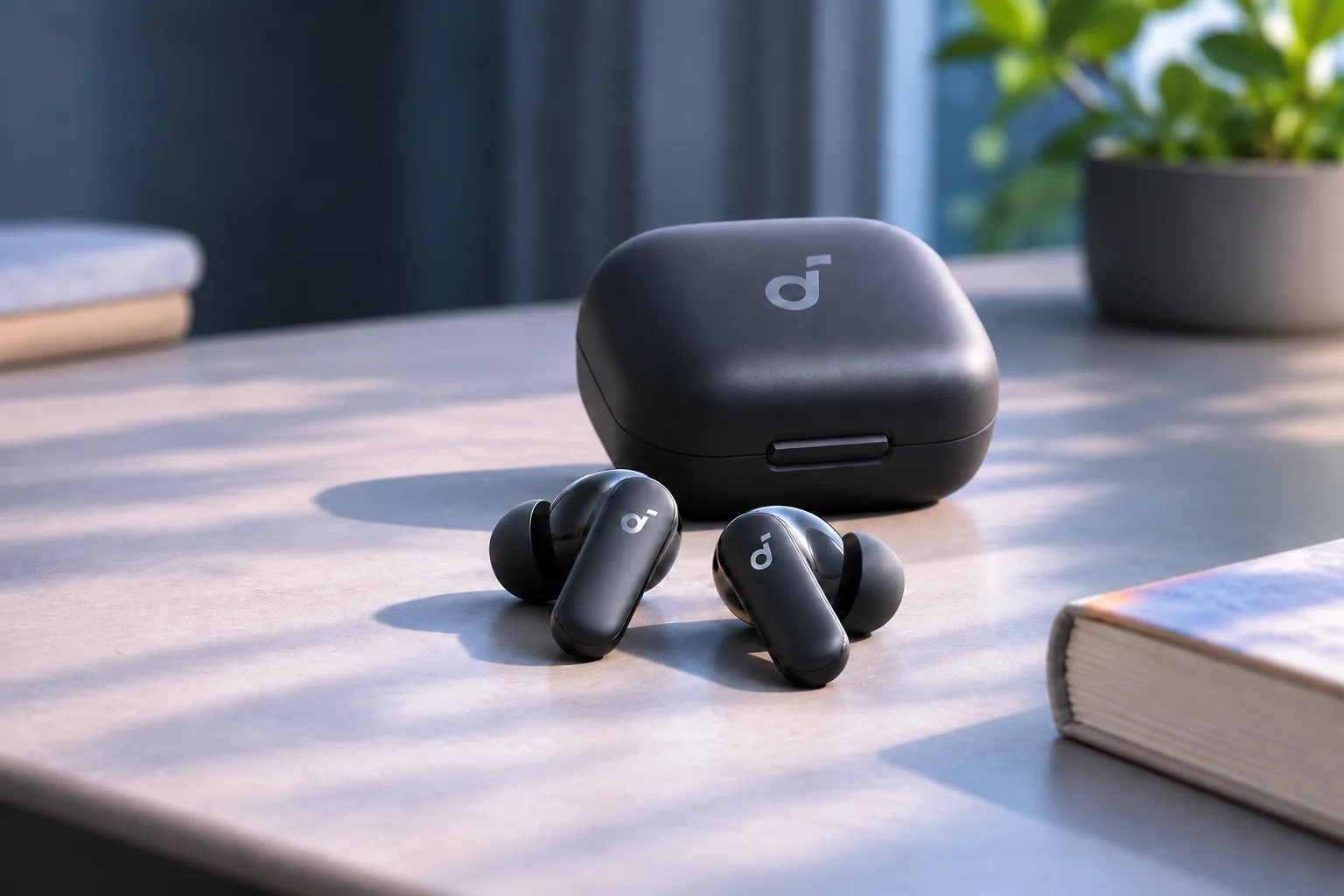
Header image: AI-generated editorial illustration, not a product photograph or test setup.
This Soundcore P30i review is for buyers who want inexpensive everyday earbuds. The P30i deserves a place on your shortlist if you want affordable earbuds with app controls, two-device connectivity, and a charging case that doubles as a phone stand. Its value depends on the price you actually pay and how much you expect from noise cancellation and calls. For a buyer who needs reliable outdoor calls or especially strong noise reduction, the available evidence supports comparing other options before choosing it.
Our buying take: shortlist the P30i for its phone-stand case, app controls, and two-device connection if the final price is meaningfully below the P31i. Compare alternatives first if outdoor call quality or strong noise cancellation is your main reason for buying.
| A reason to consider it | A limit to check before buying |
|---|---|
| A phone stand built into the charging case | No wireless charging for the case |
| Two-device connectivity and adjustable EQ | Multipoint does not mix audio from both devices |
| Published ANC and transparency features | Independent reports disagree on ANC and call quality |
| Short charging top-ups | Official ANC runtime figures differ by source |
The source details and practical implications are explained below.
On this page: Features · Sound, ANC, and calls · Battery figures · Pairing and app · Buying decision
Soundcore P30i review: features that matter
Soundcore’s support documentation groups P30i and R50i NC under model A3959. That helps when finding the right manual, but regional bundles and SKU suffixes can still differ. Check the model on the listing you are buying. Soundcore’s A3959 guide
| Feature | What the official documentation says |
|---|---|
| Bluetooth | Version 5.4 |
| Drivers | 10 mm |
| Connection | Multipoint support for two source devices |
| Charging case | USB-C charging; built-in phone stand; no wireless charging |
| Codecs | SBC and AAC in Anker Japan’s A3959 specification |
| Protection | IP54, explicitly limited to the earbuds in the Japanese specification |
The US listing supplies the connection, driver, and case details; the Japanese A3959 specification adds the codec list and the protection boundary. These are manufacturer specifications, not performance measurements. US product listing, Anker Japan specifications
The phone stand may save you carrying a separate support, but check your setup first. Soundcore’s model-specific FAQ advises landscape placement, excludes iPads, folding-screen devices and very thick phone cases, and says to remove the earbuds while using the stand. The official limits are a better buying guide than assuming it will hold every phone. Soundcore’s phone-stand guidance
Multipoint can suit a phone-and-laptop routine. Neither that feature nor the stand establishes how well the earbuds will fit your ears or handle a particular call environment.
Sound, noise cancellation, and calls
Soundcore advertises noise reduction of up to 42 dB. Treat that as a manufacturer maximum, not a promise about how much conversation or traffic you will hear in your surroundings. Soundcore’s ANC claim
Original listening reports offer a less uniform picture:
- Bart Breij’s July 2024 Scarbir review describes prominent bass, reservations about clarity, modest noise cancellation, and weaker call pickup in wind. He found the phone-stand case and multipoint useful. Scarbir’s P30i review
- Stefan Vazharov’s January 2025 BestProducts review reports more favorable results for office and subway noise reduction and for calls. BestProducts’ P30i review
Those are different reviewers’ experiences, rather than comparable laboratory results. They do not establish that the P30i will reproduce either outcome for you. Our reading is that convenience and price make a stronger buying case than a claim of exceptional ANC or microphone performance.
If you buy a pair, use the seller’s return period to check the things that matter in your routine: speech clarity on a familiar podcast, fit during a normal listening session, and a short call from your usual location. Ask the other caller what they hear; hearing your own music clearly does not tell you how the microphone sounds to them.
Battery life: read the two official answers
The advertised 45-hour figure includes repeated charging from the case. It is not a promise that the earbuds play continuously for 45 hours. More importantly, the manufacturer’s published ANC figures differ:
| Official source | Listening mode | Earbuds per charge | Total with case |
|---|---|---|---|
| Anker Japan A3959 specifications | ANC off | Up to 10 hours | Up to 45 hours |
| Anker Japan A3959 specifications | ANC on | Up to 7 hours | Up to 30 hours |
| Soundcore battery support article | ANC on | 6 hours | 25 hours |
The support article describes laboratory results using default settings and 50% volume. The documents do not resolve the difference between their ANC figures, so there is no basis here to turn either into a guaranteed runtime. Volume, content, and use affect the result. A3959 specifications, Soundcore battery guidance
For planning, allow charging breaks and do not treat either published ANC figure as a guaranteed runtime. Calls need separate consideration: the support article lists 4 hours per charge and 17 hours with the case for ANC-on calls. A listening-time headline is therefore a poor basis for an all-day meeting schedule. Soundcore’s call and playback figures
Soundcore also advertises roughly 2 hours of listening from a 10-minute charge. That is another manufacturer estimate, not a result we measured. Official charging specification
Pairing, two devices, and the app
The P30i supports connections to two source devices. This is useful for keeping a phone and computer connected, but it should not be interpreted as mixing two audio streams. Soundcore’s model-specific FAQ explains how to replace one connection when two devices are already connected. P30i/R50i NC FAQ
For first-time pairing, the official manual gives this sequence:
- Remove the protective films from the earbuds and put them in the charging case.
- Close the case, then open it again and take the earbuds out.
- Open your device’s Bluetooth settings and select soundcore P30i.
For pairing with another device, the manual describes holding both earbud touch areas for 3 seconds to enter pairing mode. Follow the illustrated instructions if your starting state differs. A3959 user manual, PDF
Soundcore’s support guidance lists 22 EQ presets plus Custom EQ. Trying a preset before changing individual frequencies is a simple way to see whether the available tuning suits you; it does not guarantee a particular sound quality. Official EQ guidance
Use a phone for the companion app. Soundcore says the app does not support computers; that limitation is separate from the earbuds’ Bluetooth connection to a computer. Check your phone’s app-store requirements before purchase if it runs an older operating system. Soundcore app support
Common buying questions
Is the P30i waterproof?
The official A3959 specification gives the earbuds an IP54 rating. Do not extend that protection to the case or treat it as approval for swimming or immersion. Keep the case dry. The documentation reviewed here does not establish a water-resistance rating for it. Official protection specification
Does the case support wireless charging?
No. Soundcore’s US comparison table lists wireless charging as unavailable for the P30i. Plan to charge its case by USB-C. If using a wireless charging pad is an essential part of your routine, this is a reason to consider a different model. Soundcore’s charging comparison
Will music automatically pause when I remove an earbud?
The official materials checked for this guide do not establish automatic wearing detection. Do not buy on the assumption that this feature is included. If it is essential, seek explicit confirmation for the exact model from Soundcore before ordering.
Price and the P31i comparison
At our November 6, 2026 check, Soundcore’s US P30i page displayed $49.99 alongside a separate promotional offer. That is a dated storefront observation, not a guaranteed checkout price. Compare the final amount for your color and delivery address, including any offer conditions. Current P30i listing
One model worth checking alongside it is the Soundcore P31i. Its official US listing includes LDAC, while noting that this feature is unavailable on iPhone. That is a concrete distinction for a compatible Android setup, not proof that every listener will prefer it. Check the device requirements and actual checkout prices for both. P31i features and limitations
Our recommendation is conditional: shortlist the P30i if its price is meaningfully lower and its phone stand, app controls, and two-device connection solve your needs. If the prices are close, compare the P31i’s relevant features first. For a purchase driven mainly by outdoor calls or maximum noise reduction, seek testing that matches those priorities rather than choosing from the largest number in a specification list.
Before ordering, check these four items:
- Exact model: confirm P30i/A3959 rather than a similarly named P30, P20i, or another Soundcore model.
- Total price: compare the full checkout total with the P31i and any alternative on your shortlist.
- Your priority: decide whether the phone stand and dual connection matter more than wireless charging or demanding outdoor calls.
- Seller terms: read the current return policy and seller identity for the specific listing.
As an Amazon Associate, we earn from qualifying purchases.
Find Soundcore P30i listings on Amazon (affiliate link). This opens search results, so verify the exact model and seller before purchasing.
For a correction or a source we should review, contact ProperlyGeek.