As an Amazon Associate we earn from qualifying purchases.
As an Amazon Associate, we earn from qualifying purchases.
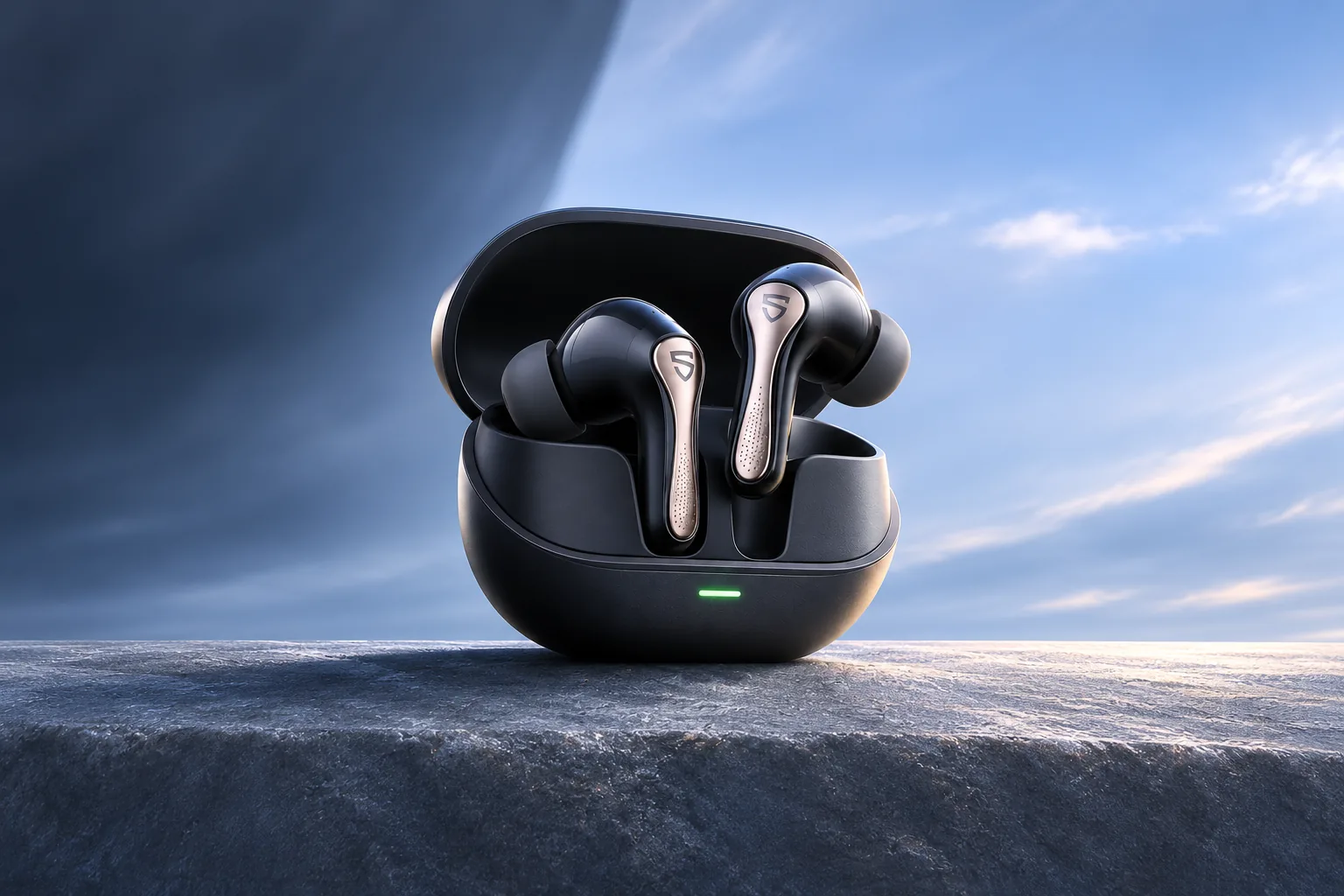
The SOUNDPEATS H3 is worth considering if sound quality and Android codec support matter more to you than best-in-class noise cancellation or long ANC-on sessions. Its codec list is useful only when your phone supports a matching codec, and LDAC cannot run at the same time as dual-device pairing. This is a research-based guide, not a ProperlyGeek hands-on test; listening and battery findings below belong to the named reviewers.
Quick answer: Most current iPhones and Android phones can pair with the H3 for ordinary Bluetooth audio. An iPhone cannot use the H3's LDAC or aptX modes. Android buyers need to check their exact phone model and settings for codec support. If you want two devices connected at once, use dual-device mode in PeatsAudio; LDAC cannot be active at the same time, and you should verify the app’s current state.
Table of contents
- H3 at a glance
- Codec compatibility by phone
- The limitations that matter
- What independent reviewers found
- Who should buy it
H3 at a glance
SOUNDPEATS markets the H3 as a feature-rich true-wireless model. The table separates the most relevant product claims from what they mean in daily use.
| What matters | SOUNDPEATS H3 | What to keep in mind |
|---|---|---|
| Bluetooth codecs | SBC, AAC, LDAC, aptX, aptX Adaptive, aptX Lossless | A listed codec works only when the source phone or computer supports it too. |
| LDAC setup | The product page gives conflicting default-state information | See the trade-off and setup notes below. |
| Battery | See the runtime section | Brand maximums and an ANC-on review result differ. |
| Fit and water rating | Five tip sizes; IPX5 | IPX5 is a water-resistance rating, not a license to submerge the earbuds. |
| Noise control | Adaptive ANC | TechRadar describes the practical limits below. |
Codec compatibility by phone
Bluetooth earbuds and phones negotiate an audio codec they both support. A headset's feature list is only one side of that connection: Qualcomm says aptX must be built into both the transmitting device, such as a phone or laptop, and the receiving headphones. Android's A2DP documentation likewise describes SBC as mandatory while optional proprietary codecs depend on the platform. So an Android label alone does not tell you whether a specific handset supports aptX Adaptive, aptX Lossless, or LDAC. (Qualcomm aptX compatibility, Android BluetoothA2dp documentation)
On Android: the H3 can use its higher-bandwidth options only if the exact Android model and software support the same codec. Some Android devices expose codec controls under Developer options, but Google notes that menu locations or names can differ by device, and optional codec support varies. Use PeatsAudio to check the current LDAC and dual-device settings; the product page gives conflicting default-state information. If LDAC does not appear as an available choice on the phone, the connection can still work using a shared codec such as AAC or SBC; the H3 does not make an incompatible phone gain a codec it lacks. (Android Developer options)
On iPhone: the H3 still works as Bluetooth earbuds, but an iPhone cannot use LDAC or aptX. TechRadar notes that the H3 includes AAC and SBC alongside those codecs, and Apple says Bluetooth connections do not deliver lossless audio from Apple Music. In practical terms, choose the H3 for its overall sound, fit, and controls if you use an iPhone; do not pay extra for the expectation of LDAC or aptX Lossless on that phone. (TechRadar H3 review, Apple on Bluetooth and lossless audio)
On a Windows or Mac computer: regular stereo playback and headset calls can appear as different Bluetooth profiles. SOUNDPEATS' H3 FAQ says older Windows setups may show a “Stereo” device for media and a “Hands-Free AG Audio” device for calls. If music sounds right but a call app cannot use the microphone, check the call app's input and output selections rather than assuming the earbuds are incompatible. (SOUNDPEATS H3 support FAQ)
The limitations that matter
LDAC and multipoint are a choice
The H3 can connect to two devices, but its official FAQ says this cannot be used at the same time as LDAC. The product page conflicts with itself about LDAC’s default state, so verify PeatsAudio and firmware. The reliable takeaway is the feature trade-off: choose between the higher-resolution codec path and seamless switching between two connected devices. If you regularly move between work calls on a laptop and media on a phone, multipoint may be more useful than LDAC.
LDAC needs app setup
Both phone and earbuds must support LDAC, and the app must connect to the H3. If the app is unreliable on your phone, basic Bluetooth playback remains possible, but you may have trouble changing codec, EQ, or other advanced settings. TechRadar reported occasional app connection problems during its review; the reviewer said the issue affected app functions rather than music streaming. (SOUNDPEATS H3 FAQ, TechRadar)
Battery life depends on how you listen
The H3's “up to 7 hours” per charge and 37-hour combined total are manufacturer claims. TechRadar says its reviewer listened with ANC on and reached just under five hours, while the brand's seven-hour headline appears to represent a different setting. Treat the 7-hour figure as an upper-bound claim, not the runtime to expect automatically with ANC, LDAC, higher volume, or frequent calls. (SOUNDPEATS H3 specifications, TechRadar battery notes)
ANC is useful, but it is not the main reason to buy
TechRadar's reviewer found that ANC reduced outside noise, but did not silence sounds completely and was weaker than some competing earbuds. The same review describes transparency mode as less convincing, because it amplified ambient sound while making voices harder to understand. If your priority is blocking aircraft rumble or keeping voices natural in transparency mode, compare current independent ANC tests before choosing the H3. (SOUNDPEATS H3, TechRadar review)
What independent reviewers found
TechRadar's hands-on review praised the H3's tuned sound and reported a comfortable, secure fit for that reviewer. It also described the earbuds as relatively large, and found battery life, ANC, and the app less impressive than the sound. These observations are more useful as trade-offs than as a universal prediction: ear shape, listening volume, phone codec, and personal sound preference all change the experience. (TechRadar's SOUNDPEATS H3 review)
The product's three-driver design and broad codec support are reasons to shortlist it, but codec names alone do not guarantee that music will sound better to every listener. A compatible codec can preserve more of a source signal, yet the actual result also depends on the recording, streaming app, wireless conditions, and tuning. If you mainly stream on an iPhone, the H3's LDAC and aptX list is less relevant than the reviewer-tested sound profile and whether the shell fits your ears.
Who should buy the SOUNDPEATS H3?
The H3 is a better fit for someone who wants feature-rich earbuds, uses an Android phone with verified LDAC or aptX support, and is comfortable using a companion app for setup. It may also suit listeners who value dual-device connection, provided they are willing to give up LDAC while multipoint is active.
Consider another model if you need a dependable full workday from one charge with ANC enabled, frequently switch between two devices while using LDAC, or expect top-tier noise cancellation. iPhone owners can still use the H3, but should judge it as a standard AAC/SBC Bluetooth earbud rather than buy it for its premium-codec marketing.
Before ordering, use this checklist:
- Confirm your exact phone supports the codec you want; Android capability varies by model and software.
- Decide whether you value LDAC more than connecting two devices at once.
- Check that the PeatsAudio app is available for your phone if you want codec, EQ, or multipoint controls.
- Compare the reviewer-tested ANC-on battery result with your longest typical listening session.
- Try the included tips for a stable seal; fit affects both comfort and how well earbuds isolate sound.
Frequently asked questions
Do the SOUNDPEATS H3 work with an iPhone?
Yes. The H3 can pair with an iPhone for Bluetooth audio and calls. The iPhone cannot use LDAC or aptX, so expect a shared baseline codec such as AAC or SBC rather than those higher-resolution options. (TechRadar)
Does the H3 support LDAC and aptX Lossless?
The codec list and setup conflict are covered above. Qualcomm says aptX Lossless also requires a compatible transmitting device. The H3 cannot use LDAC while dual-device connection is active. (SOUNDPEATS, Qualcomm)
Can the H3 connect to a phone and laptop at once?
Yes, through its dual-device mode in the PeatsAudio app. The limitation is that dual-device mode and LDAC cannot be active together, so you must choose which feature matters more for that session. (SOUNDPEATS H3 FAQ PDF)
Check the exact product listing
The official SOUNDPEATS H3 page lists the exact model and specifications. If you use Amazon, this search link shows search results for SOUNDPEATS H3; a search results page is not proof that every listing is the same model or a currently available item.
As an Amazon Associate, we earn from qualifying purchases. See our affiliate disclosure and editorial policy. For questions or corrections, contact ProperlyGeek.
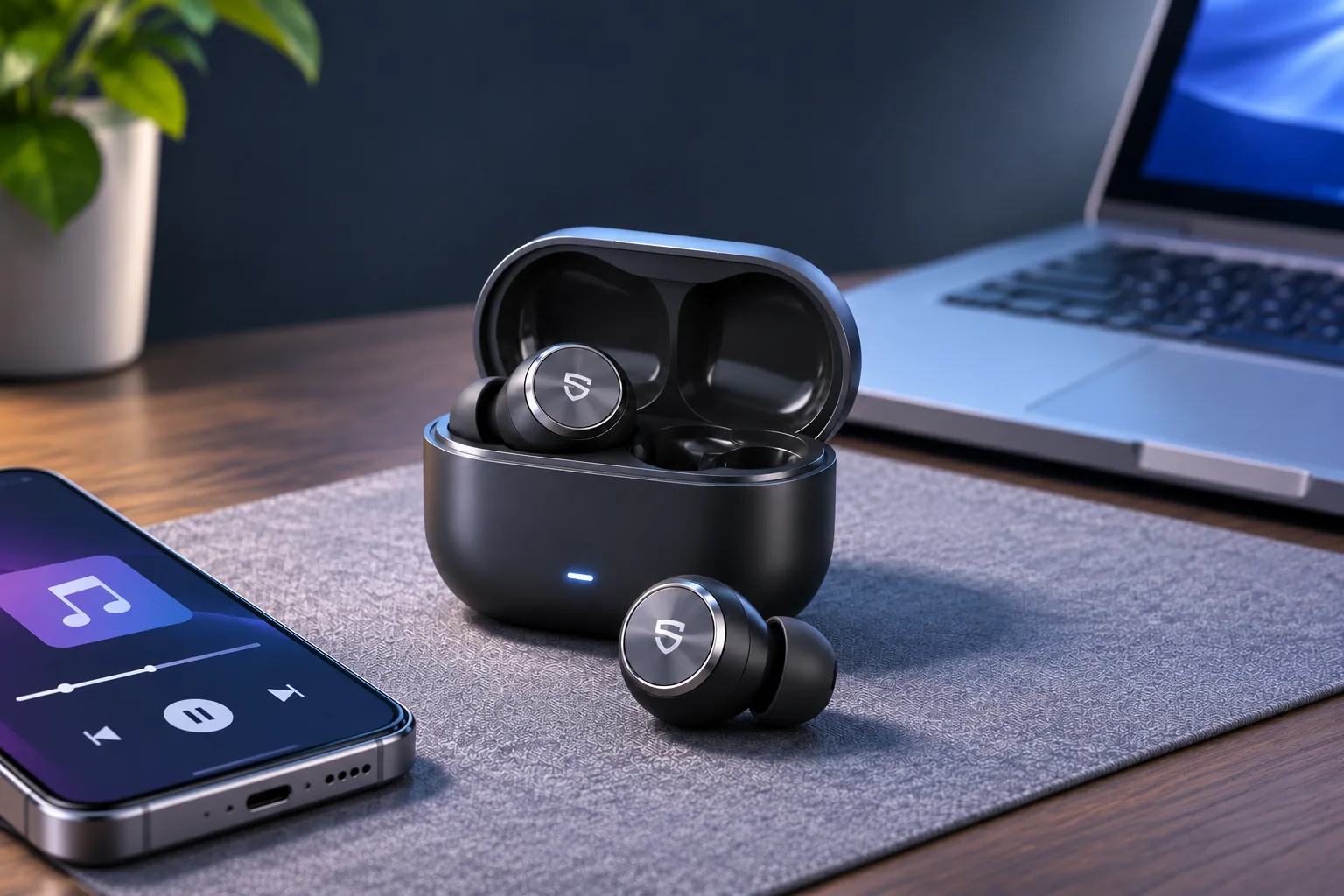
Header image: AI-generated editorial illustration, not a product photograph or test setup.