
As an Amazon Associate we earn from qualifying purchases.
Short answer: The Edifier R1280T is a sensible choice if you want a straightforward, powered stereo pair for a computer, turntable with a phono preamp, or other RCA source. It is the wired R1280T: it has dual RCA inputs, no Bluetooth, and no dedicated subwoofer output. Edifier’s R1280T support article confirms the Bluetooth limit, while its product specifications identify the exact model and its connections. That makes it a better fit for a simple 2.0 desk or small-room setup than for someone planning wireless playback or a direct 2.1 upgrade.
This guide is based on Edifier’s product information and manual, plus published reviews. ProperlyGeek did not conduct hands-on testing. Listening impressions below are attributed to the reviewers who performed those tests.
As an Amazon Associate, we earn from qualifying purchases.
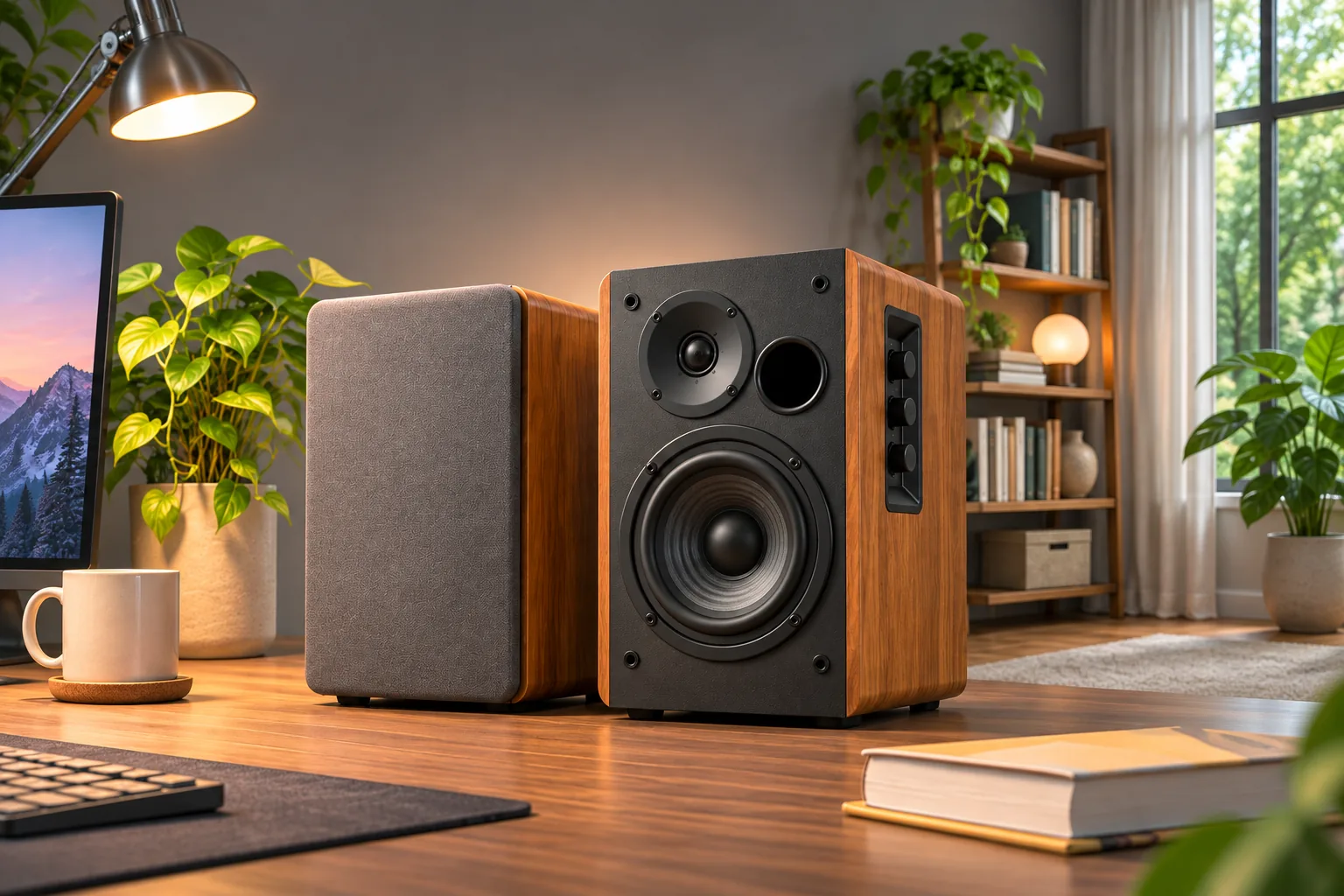
Header image: AI-generated editorial illustration, not a product photograph or test setup.
At a glance: Choose the R1280T for simple wired listening and tone controls; look elsewhere if you need Bluetooth or a subwoofer jack. Check the source’s output before buying cables, and check whether a turntable has a built-in phono preamp.
Table of contents
- Is the Edifier R1280T a good fit?
- R1280T inputs and key specifications
- How to connect and set it up
- What independent reviews say
- Who should buy the R1280T?
- Frequently asked questions
Is the Edifier R1280T a good fit?
For a desk, student room, or modest living-room listening spot, the R1280T’s appeal is its uncomplicated layout. It is a powered pair, so the active speaker contains amplification and connects to wall power; you do not need a separate stereo receiver. Edifier lists 42 watts total RMS output, with 21 watts per channel, and a frequency response of 52 Hz–20 kHz. Those are manufacturer specifications, not a promise that the speakers will fill every room or play cleanly at any volume. Edifier’s R1280T page lists the specifications and setup features.
The buyer decision comes down to connections. There are two stereo RCA line inputs; Edifier includes a 3.5 mm-to-dual-RCA cable for a computer headphone output. Edifier’s support article explicitly says the R1280T has no Bluetooth, and its published specifications do not list a dedicated Sub Out. These are exact-model limits, not assumptions based on another R1280-series suffix. If you already know you want wireless playback or a direct cable connection to a sub, choose a model with those features instead of assuming all R1280-series speakers share them.
R1280T inputs and key specifications
| Detail | Edifier R1280T |
|---|---|
| Speaker type | Powered stereo pair; one active and one passive speaker |
| Rated output | 21W + 21W RMS (42W total) |
| Frequency response | 52Hz–20kHz on the current product page |
| Drivers | 4-inch woofer and 0.5-inch tweeter per speaker, per Edifier |
| Inputs | Two stereo RCA line inputs |
| Wireless | No Bluetooth; Edifier support explicitly confirms this for R1280T |
| Subwoofer connection | No dedicated Sub Out listed for the R1280T |
| Controls | Master volume, bass and treble knobs; remote for volume and mute |
RCA is an analog connection, not a phono input. A turntable with a built-in phono preamp can connect using RCA. If your turntable does not have one, add a separate phono preamp between the turntable and speakers; the R1280T itself does not list a phono stage. For a PC with a 3.5 mm headphone output, the supplied cable converts that output to the speaker’s RCA inputs. Confirm what your source actually outputs before ordering any extra cable. The R1280T manual shows the included cables and the connection sequence.
The two RCA inputs let a computer and another analog source stay connected, but the manual says both signals play when both sources are active. Turn down or switch off the unused source; the sockets are not a one-at-a-time selector.
The knobs on the active speaker adjust master volume, bass and treble; the remote handles volume and mute. That gives you quick, physical tone adjustments without a control app. Placement still matters: leave room for the rear and front features to breathe, keep the pair stable, and aim the tweeters roughly toward your listening position. Those are setup suggestions, not a claim that a particular placement guarantees a sound result.
How to connect and set it up
- Connect the passive speaker to the active speaker. Use the supplied speaker cable and match the wire to the red and black terminals as shown in the manual.
- Connect one source to an RCA input. For a computer with a headphone jack, use the included 3.5 mm-to-RCA cable. For a turntable, connect its line output; add a phono preamp first if the turntable lacks one.
- Connect power and start at a low volume. Raise the source and speaker volume gradually, then adjust bass and treble to taste.
- If two sources are connected, control the unused one at its source. The R1280T manual says simultaneous input signals will both play.
There is no Bluetooth pairing step, optical input, USB audio input, or remote input selection in the official R1280T documentation; Edifier separately confirms the Bluetooth limitation in its support article. If your television offers only optical or HDMI ARC output, verify a suitable converter or select a speaker designed for that connection. The R1280T is easiest when the source already provides analog RCA or 3.5 mm audio.
What independent reviews say
Published listening impressions are not interchangeable with specification checks. Tom’s Guide’s review reports testing the R1280T with a computer and turntable, and describes its own impressions of music and movie playback. It also calls out the lack of Bluetooth and notes that a turntable without a phono preamp needs one. These details are helpful because they match common desk and vinyl setups, though individual taste, room acoustics and source quality will affect what a listener hears.
Tom’s Guide’s impressions support considering this model for casual near-field and small-room listening if its wired inputs match your equipment. Do not read a favorable review as evidence that it substitutes for larger speakers, a party system, a wireless speaker or a subwoofer-ready setup.
Who should buy the R1280T?
Use this quick check before choosing:
- Your sources have RCA or 3.5 mm analog output: The included cables make a basic connection possible.
- You want two wired sources attached: Both RCA pairs can remain connected, but control the one you are not using at its source.
- You have a turntable: Verify that it has a built-in phono preamp or budget for a separate one.
- You need Bluetooth: The R1280T does not provide it.
- You plan to add a subwoofer by connecting directly to the speakers: The R1280T has no dedicated Sub Out. The separate R1280Ts is the R1280 model in this batch whose official specifications list one; compare the exact suffix before buying.
- You expect loud, room-filling playback: Consider a larger system if high-volume, room-filling playback is a priority.
The R1280T is most convincing when its simplicity is a feature: a powered pair, analog sources, remote volume/mute and side tone controls. It is less compelling if you would need adapters or extra components to compensate for missing connections. Match the exact model name on the product listing and back panel; R1280T, R1280Ts, R1280DB and R1280DBs are distinct models.
Frequently asked questions
Does the Edifier R1280T have Bluetooth?
No. Edifier’s R1280T support article explicitly says the model has no Bluetooth. It accepts wired analog audio through dual RCA inputs. If wireless playback matters, select a Bluetooth-equipped model and verify its exact model suffix and supported connections before purchase.
Can I connect a turntable directly?
Only if the turntable provides line-level output, usually through a built-in phono preamp. A turntable with only a phono-level output needs a separate phono preamp before the R1280T. The speakers accept RCA line input; they do not replace the phono preamp.
Can I add a subwoofer to the R1280T?
Edifier’s R1280T product page lists dual RCA inputs and no dedicated Sub Out. Do not assume a subwoofer can plug directly into it. If direct subwoofer expansion is a requirement, investigate the R1280Ts and confirm its separately labeled Sub Out and the subwoofer’s compatible input.
Do two RCA inputs let me switch sources?
Not in the sense of selecting only one at the speaker. Edifier’s manual says both signals play when two sources are connected at once. Turn down, mute or switch off the unused source to avoid hearing both.
Final recommendation
The Edifier R1280T is a good shortlist candidate for a listener who values easy wired setup, two RCA inputs and simple tone controls. Before buying, check your source output, turntable preamp, need for Bluetooth and plans for a subwoofer. If those needs fit the R1280T’s limits, it can serve a practical desk or small-room system without a separate amplifier.